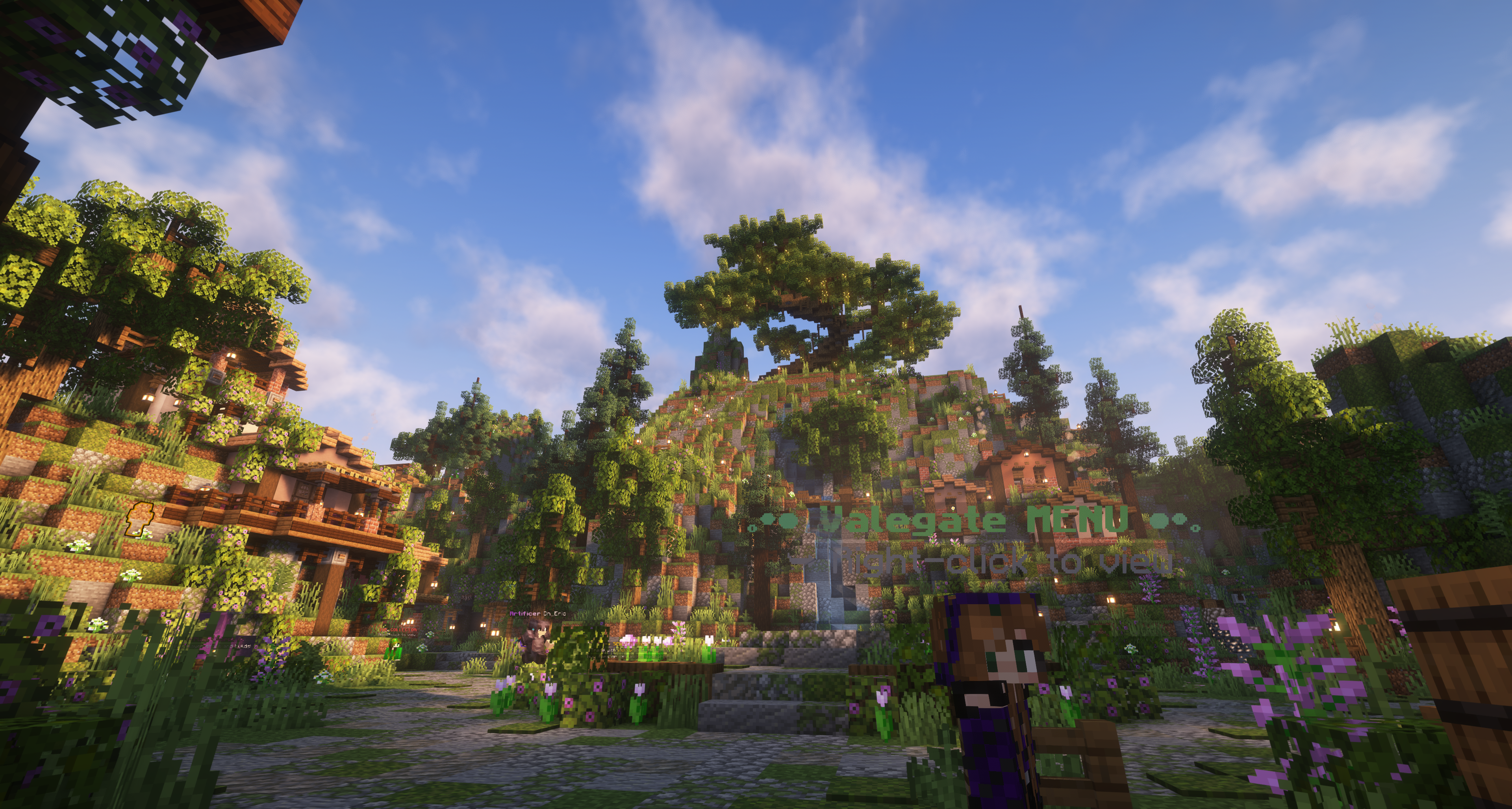
🎮Play on Beyond Horizons
Cross-play for Java and Bedrock. Copy the address, add the server, and you are in.
- Address
- play.beyondhorizonsmc.com
- Versions
- 1.20.x - 1.21.x
- Port
- 25565 (default)
- Address
- play.beyondhorizonsmc.com
- Port
- 19132
- Versions
- 1.20+
How to join
Open Minecraft
Launch the Java or Bedrock edition on a supported version.
Add the server
Go to Multiplayer, then Add Server. Paste the address below.
Connect and pick a mode
Join the hub, then walk into a portal or use /server to choose a game mode.
Game modes and features
Isles of Vale
Build an island into an empire in our flagship Skyblock experience. Complete quests, conquer dungeons, master custom progression, and thrive in a bustling player-driven economy.
- ▪400+ quests and rewarding progression
- ▪Skills, jobs, levels, and leaderboards
- ▪Minions, ore generators, and spawners
- ▪Dungeons, custom items, and enchants
- ▪Auctions, player shops, and trading
- ▪Island upgrades, pets, and lucky blocks
- ▪PvP arena, duels, crates, and envoys
- ▪Daily rewards, vote parties, and more
Classic Slimefun
Survival supercharged with Slimefun. Craft hundreds of custom items, build automated machines, and progress through deep tech and magic research trees.
- ▪Long-term survival world
- ▪Slimefun with 25+ addons
- ▪Automation, machines, and technology
- ▪Jobs and mcMMO progression
- ▪Player-driven economy and shops
- ▪Quests, daily rewards, and leaderboards
- ▪Land protection and anti-grief systems
Troubleshooting and FAQ
What versions do you support?+
Java 1.20.x through 1.21.x and Bedrock 1.20 and newer. We recommend the latest stable release.
Can Java and Bedrock players play together?+
Yes. The network is cross-play. Bedrock players connect through the same address on port 19132.
I can’t connect. What should I check?+
Confirm your client version, try the direct IP, disable VPNs, and restart your client. If it persists, check the status widget on the home page or ask in Discord.
Do I need any mods?+
No mods are required. Approved optional mods include minimaps without radar, Optifine, and FPS boosters.
Is there a cost to play?+
No. Beyond Horizons is free to play. Ranks and cosmetics in the store are optional and support the server.
How do I report a player or bug?+
Use the Support page or the #reports channel in Discord. Include screenshots or clips when possible.